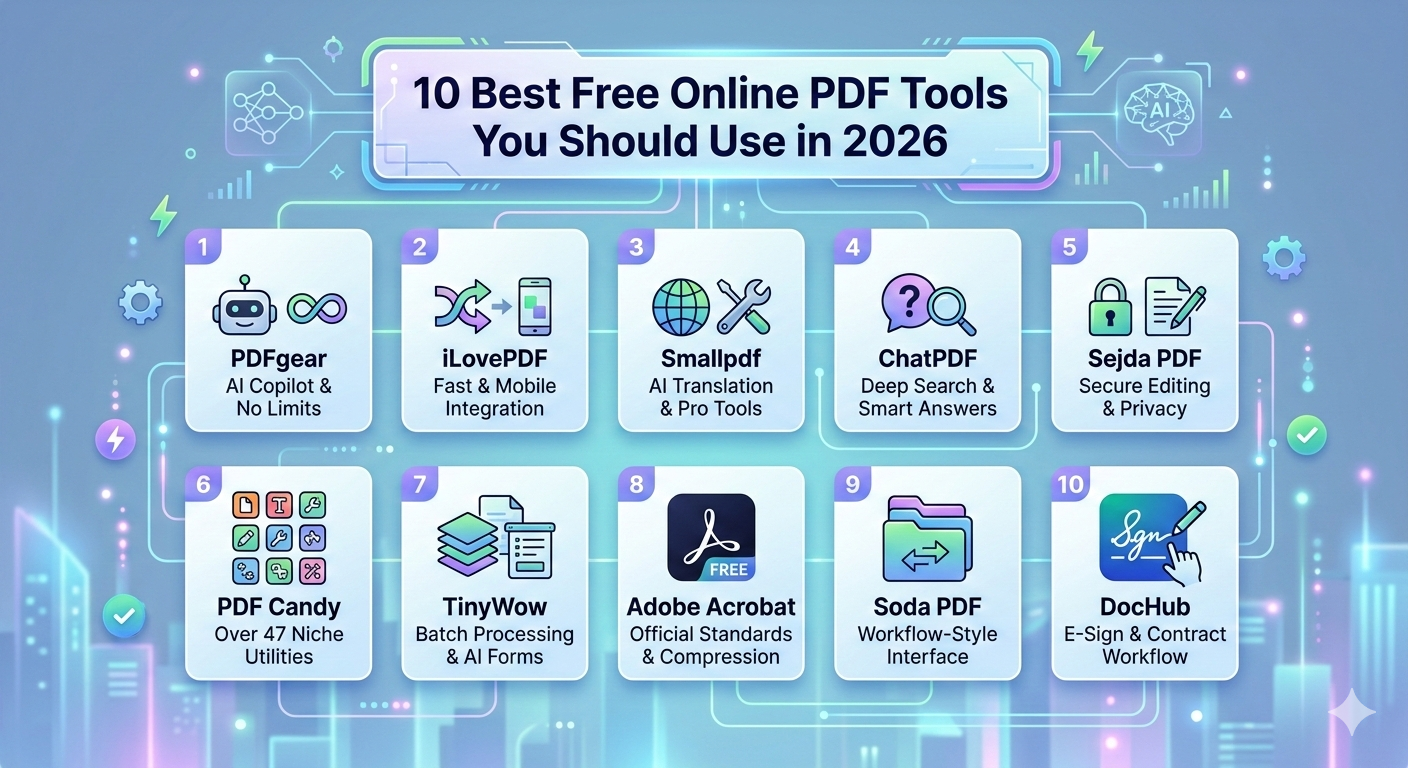
10 Best Free Online PDF Tools You Should Use in 2026
Simplify Your Document Workflow with Fast and Free PDF Utilities
PDF files are widely used for sharing documents across different platforms because they preserve formatting and are compatible with almost every device. Whether you are a student submitting assignments, a professional sharing reports, or a business sending contracts, PDF files provide a reliable document format.
However, working with PDF files sometimes requires editing, compressing, merging, or converting them into other formats. Installing complex software for these tasks can be time-consuming and expensive.
Fortunately, free online platforms like SabaiTools offer a variety of simple tools that help users manage PDF files directly from their web browsers.
In this guide, we will explore 10 of the best free online PDF tools you should use in 2026 to make document management easier and more efficient.
1. PDF Compressor
Large PDF files can slow down file sharing and uploading. A PDF compressor reduces file size while maintaining document readability.
Benefits of using a PDF compressor include:
-
Faster email attachments
-
Reduced storage usage
-
Improved upload speeds
This tool is particularly useful when sending documents through email or uploading them to websites.
2. PDF to Word Converter
Editing a PDF directly can be difficult. A PDF to Word converter allows users to transform a PDF file into an editable Word document.
Advantages include:
-
Easy text editing
-
Flexible formatting changes
-
Quick document updates
Students and office workers often use this tool when modifying existing documents.
3. Word to PDF Converter
The Word to PDF converter transforms Word documents into professional PDF files while preserving layout and formatting.
Benefits include:
-
Consistent formatting across devices
-
Secure document sharing
-
Professional document appearance
4. PDF Merger
If you have multiple PDF files related to the same project, combining them into one document makes organization easier.
A PDF merger allows users to:
-
Combine multiple PDFs into one file
-
Organize reports or presentations
-
Simplify document sharing
5. PDF Splitter
A PDF splitter helps users extract specific pages from a large document.
This tool is helpful when:
-
Sharing selected pages
-
Removing unnecessary sections
-
Organizing lengthy documents
6. PDF Editor
A PDF editor allows users to modify content within a PDF document.
Common editing features include:
-
Editing text
-
Adding comments or notes
-
Highlighting important sections
Online editors make these tasks possible without downloading additional software.
7. Image to PDF Converter
An image to PDF converter allows users to combine images into a single PDF document.
This is useful for:
-
Converting scanned documents
-
Submitting assignments
-
Organizing multiple images
8. PDF to Image Converter
Sometimes users need to convert PDF pages into images for presentations or online sharing.
A PDF to image converter can transform document pages into formats such as JPG or PNG.
Benefits include:
-
Easy sharing
-
Quick previews
-
Image editing compatibility
9. PDF Rotator
Scanned documents sometimes appear sideways or upside down. A PDF rotator allows users to fix page orientation quickly.
This tool helps improve document readability and presentation.
10. PDF Password Protection Tool
Sensitive documents should always be protected. A PDF password protection tool allows users to secure files with a password.
Advantages include:
-
Prevent unauthorized access
-
Protect confidential information
-
Share files securely
Why Online PDF Tools Are Important
Online PDF tools offer several advantages over traditional desktop software:
Easy Access
Users can access tools from any device with an internet connection.
No Installation Required
Everything works directly in a web browser.
Fast Processing
Most tools complete tasks within seconds.
Cost-Effective
Many platforms provide these tools completely free.
Platforms like SabaiTools make document management simple for both beginners and professionals.
Conclusion
PDF tools have become essential for students, businesses, and professionals who work with digital documents daily. From compressing files to converting formats, these tools save time and improve productivity.
The 10 free online PDF tools mentioned above can help you handle documents efficiently without installing complicated software.
Using reliable platforms such as SabaiTools, users can manage their PDF files quickly, securely, and conveniently.
As digital workflows continue to grow in 2026, online PDF tools will remain an important part of everyday productivity.