How to Flip Images Online for Free Without Losing Quality
Best Practices to Maintain Image Quality
Introduction
Flipping images is a simple yet powerful editing technique used in photography, design, and digital content creation. Whether you want to correct the orientation of a photo or create a mirror effect, flipping an image can help achieve your desired result quickly.
In this guide, you will learn how to flip images online for free without losing quality, along with useful tips and best practices.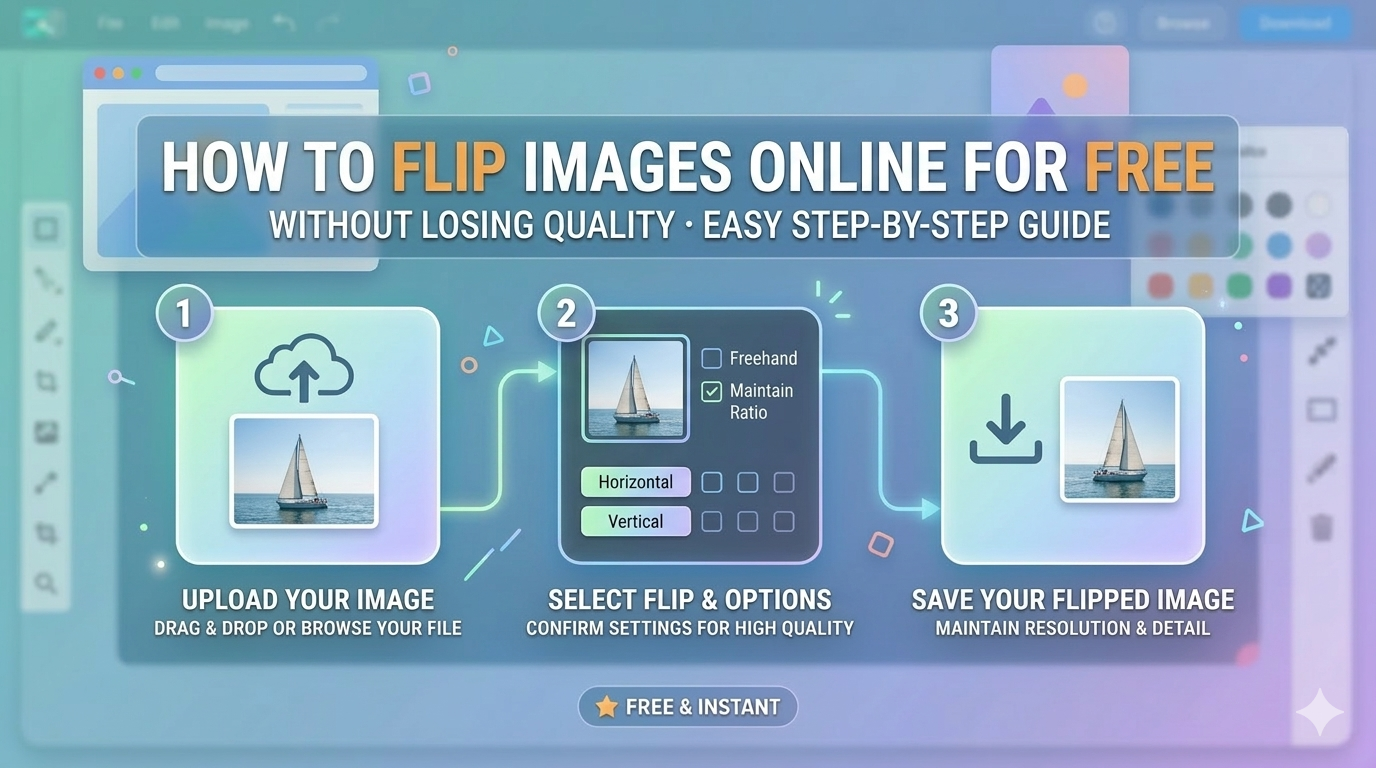
What Does Flipping an Image Mean?
Flipping an image means reversing it along a specific axis. This can be done in two main ways:
Horizontal Flip
Turns the image left to right, creating a mirror effect.
Vertical Flip
Turns the image upside down.
Why Flip Images?
1. Correct Image Orientation
Sometimes images appear reversed or incorrectly aligned.
2. Improve Visual Design
Flipping can enhance composition and balance in design.
3. Create Mirror Effects
Useful for creative projects and social media posts.
How to Flip Images Online
Follow these simple steps:
Step 1: Upload Your Image
Choose the image you want to flip from your device.
Step 2: Select Flip Direction
Pick horizontal or vertical flip based on your need.
Step 3: Apply Changes
Click the flip button to process the image.
Step 4: Download the Image
Save the flipped image in high quality.
Best Practices to Maintain Image Quality
Use High-Resolution Images
Start with a clear image to get the best result.
Avoid Multiple Edits
Repeated editing may reduce quality over time.
Choose the Right Format
-
JPEG for photos
-
PNG for graphics
-
WebP for web optimization
Benefits of Using Online Image Flip Tools
-
Free and easy to use
-
No installation required
-
Fast processing
-
Works on all devices
-
Beginner-friendly
Common Use Cases
Social Media
Create engaging and visually appealing content.
Website Design
Adjust images to match layout and design needs.
Personal Editing
Fix selfies or scanned images easily.
Common Mistakes to Avoid
-
Flipping in the wrong direction
-
Using low-quality images
-
Over-editing the image
-
Saving in low-quality format
SEO Tips for Image Optimization
-
Use descriptive file names (flip-image-tool.jpg)
-
Add ALT text to images
-
Compress images properly
-
Use responsive formats
-
Optimize for fast loading
Conclusion
Flipping images online is a quick and effective way to enhance visuals without needing advanced software. By following the steps and best practices in this guide, you can flip images easily while maintaining high quality.
Start using a reliable image flip tool today and improve your images effortlessly.
FAQs
Is flipping an image free online?
Yes, most online tools offer free image flipping.
Will flipping reduce image quality?
No, flipping does not reduce quality if done properly.
Can I flip images on mobile?
Yes, online tools work on both mobile and desktop.
What is the difference between rotate and flip?
Rotate changes the angle, while flip mirrors the image.
Popular Tools
Recent Posts