How to Compress PDF Without Losing Quality
Why Large PDF Files Are a Problem
How to Compress PDF Without Losing Quality
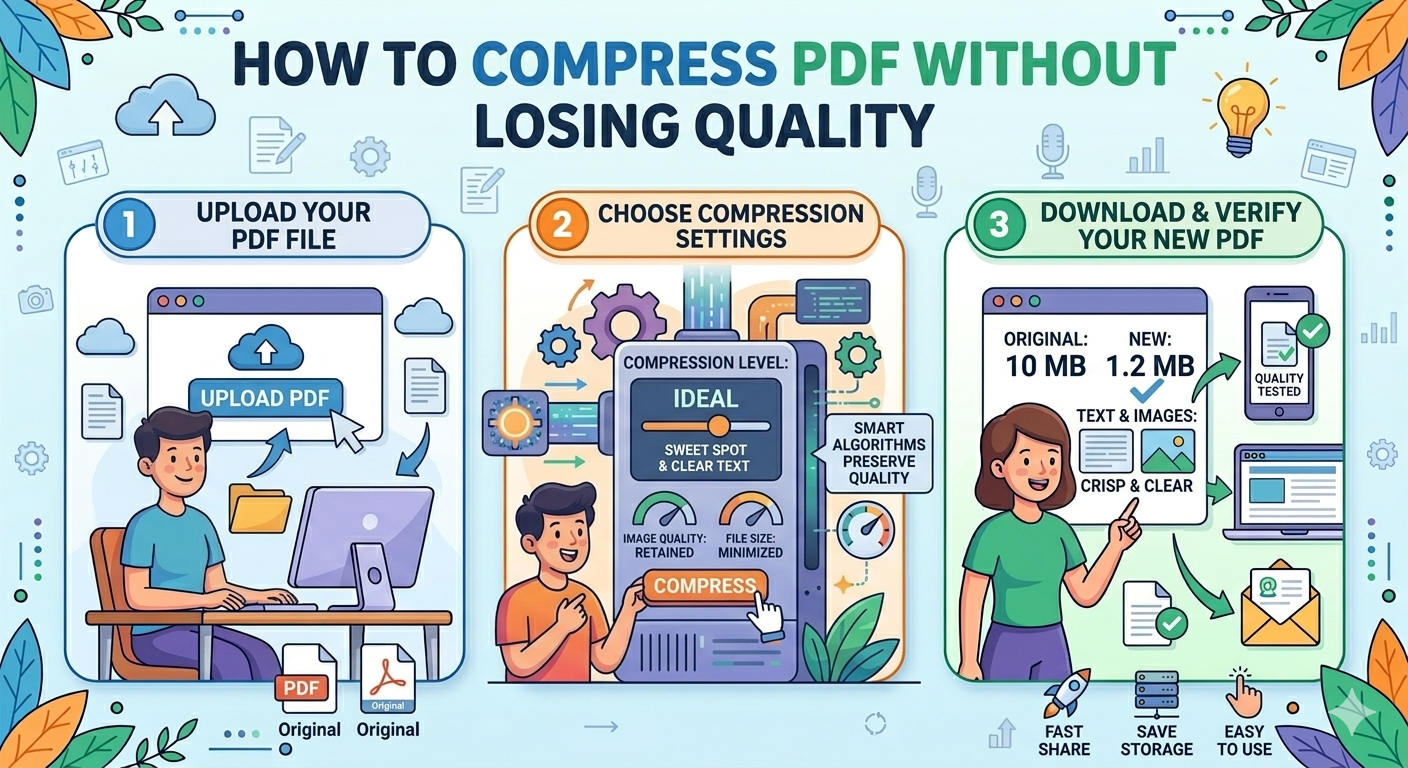
PDF files are widely used for sharing documents, reports, resumes, and presentations. However, large PDF files can be difficult to upload, email, or store. Compressing a PDF helps reduce its file size while maintaining the original quality.
In this guide, you will learn how to compress a PDF without losing quality using simple tools and methods.
Why Compress PDF Files?
Compressing PDFs provides several benefits:
-
Faster file uploads and downloads
-
Easy sharing through email
-
Saves storage space
-
Improves website loading speed
-
Meets file size limits for job applications and forms
For example, many websites allow uploads only under 5MB or 10MB, so compression becomes necessary.
What Causes Large PDF File Sizes?
Before compressing a PDF, it is useful to understand why PDFs become large.
Common reasons include:
High-Resolution Images
PDFs with large images or scanned pages increase file size.
Embedded Fonts
Some PDFs contain multiple fonts that add extra data.
Unnecessary Metadata
Hidden metadata, comments, or embedded objects increase size.
Multiple Layers
Complex PDFs may contain layered objects or graphics.
Best Ways to Compress PDF Without Losing Quality
There are several safe methods to reduce PDF size while preserving document clarity.
Method 1: Use an Online PDF Compressor
Online tools are the easiest way to compress PDFs.
Steps:
-
Open a trusted PDF compression tool.
-
Upload your PDF file.
-
Select low compression or balanced compression.
-
Click Compress PDF.
-
Download the optimized file.
Online compression tools maintain image clarity while reducing unnecessary data.
Benefits:
-
No software installation required
-
Works on mobile and desktop
-
Fast compression process
Method 2: Compress PDF Using Built-In Tools
Many operating systems include built-in PDF optimization features.
On Windows
-
Open the PDF using a PDF editor.
-
Click File → Save As.
-
Choose Reduced Size PDF or Optimize PDF.
-
Save the new file.
On Mac
-
Open the PDF in Preview.
-
Click File → Export.
-
Select Reduce File Size filter.
-
Save the compressed version.
Method 3: Reduce Image Resolution
If the PDF contains many images, reducing image resolution helps compress the file.
Recommended image resolutions:
-
300 DPI – High quality for printing
-
150 DPI – Good for documents and reports
-
72 DPI – Suitable for web viewing
Lowering the DPI reduces file size without noticeable quality loss for digital use.
Method 4: Remove Unnecessary Elements
Cleaning the PDF can significantly reduce file size.
Remove:
-
Embedded thumbnails
-
Unused fonts
-
Hidden metadata
-
Annotations or comments
Many PDF optimization tools automatically remove these elements.
Tips to Compress PDF Without Quality Loss
Follow these tips for best results:
-
Use balanced compression settings
-
Avoid multiple compressions on the same file
-
Optimize images before adding them to PDF
-
Remove unused fonts and metadata
-
Use trusted PDF optimization tools
Best Use Cases for PDF Compression
PDF compression is useful for many situations:
-
Uploading resumes for job applications
-
Submitting assignments or reports
-
Sharing documents via email
-
Uploading PDFs to websites
-
Storing documents in cloud storage
Compressed PDFs are easier to manage and distribute.
Is PDF Compression Safe?
Yes, PDF compression is safe when using reliable tools. Good compressors reduce file size by:
-
Optimizing images
-
Removing unnecessary data
-
Rewriting the document structure
They do not delete important content.
Conclusion
Compressing PDF files without losing quality is simple and essential for modern digital workflows. By using online PDF compressors, built-in tools, and image optimization techniques, you can significantly reduce file size while keeping documents clear and readable.
Whether you are sharing documents, uploading files, or saving storage space, PDF compression ensures faster and more efficient document management.